
Image handling built into the editorial workflow.
Ahody's media library supports article production with automatic alt-text, image tagging, and image suggestions — without the journalist ever leaving their flow.
Media library
Manage media files for the newsroom

elbil-lansering.jpg
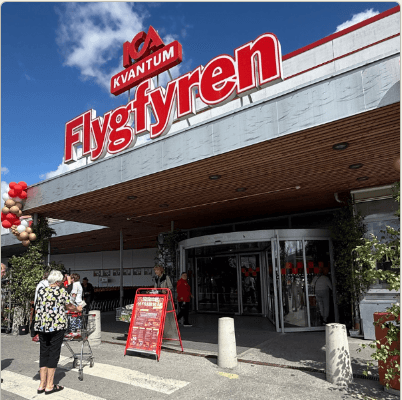
kopcentrum-jubileum.png

arbetsmarknad-fasad.png

insekt-narbild.png
§ The problem
Image handling is one of the most time-consuming parts of publishing.
Finding the right image, writing alt-text, tagging it correctly — it all takes time that could be spent on the story. Ahody automates the repetitive parts.
§ How it works
Three steps that already happen while you write.
§ 01
Automatic alt-text
Generate alt-text for images as part of the publishing workflow. The description is written the moment the image is uploaded — the editor approves or adjusts it.
- Descriptive text, ready to publish
- Editable directly in the image's detail view
- Supports accessibility requirements with no extra work
elbil-lansering.jpg
Image details and preview

File details
The image shows a grey electric car on display in a modern showroom with a digital screen in the background. The car has an elegant design with distinctive lines.
Tags generated on upload
Search by tag, filename or alt-text — the whole archive becomes searchable.
§ 02
Image tagging
Images are tagged automatically for better structure and retrieval. The archive organizes itself, even for images uploaded years ago.
§ 03
Automated image suggestions
Relevant image suggestions surface while the article is being written. Writing about an old oak tree? Ahody suggests images tagged with tree — right inside the editor.
Norrtälje's 200-year-old oak will stay
After months of protests, the municipality has decided to save the old tree by Societetsparken. The oak, planted in the early 1800s, has become a symbol of the city's green spaces.
— We've listened to the people of Norrtälje, says the municipal commissioner
Suggested images
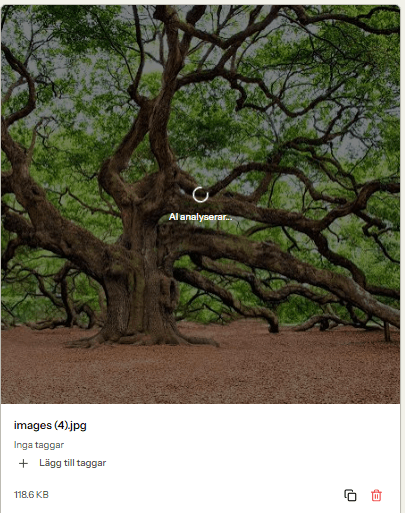
94% match
Insert imageSocietetsparken.jpg
park · green space · 71%